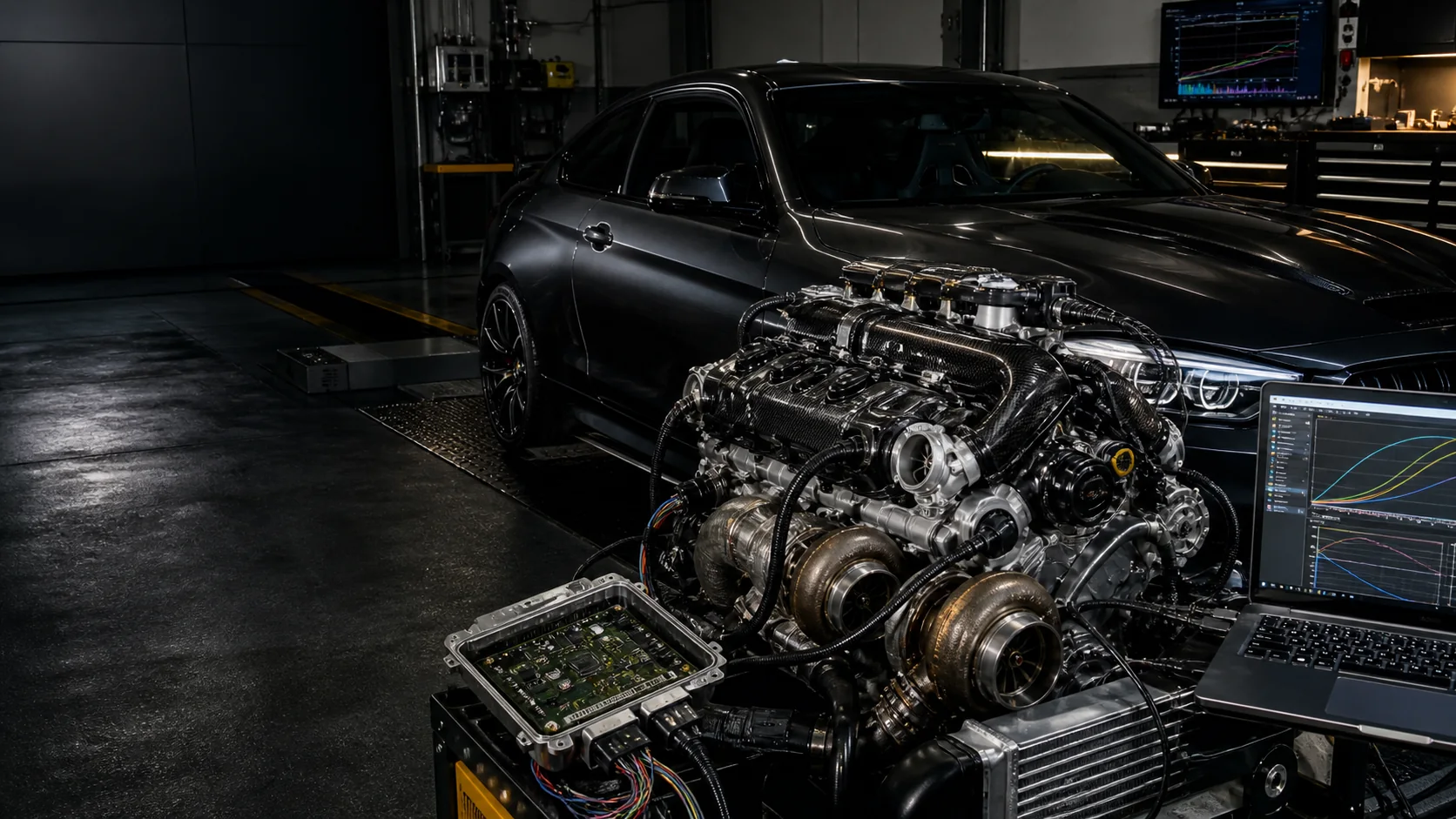

Stage 1 calibration
For stock or near-stock vehicles where the ORI file, vehicle condition and requested use case support a conservative calibrated MOD file.
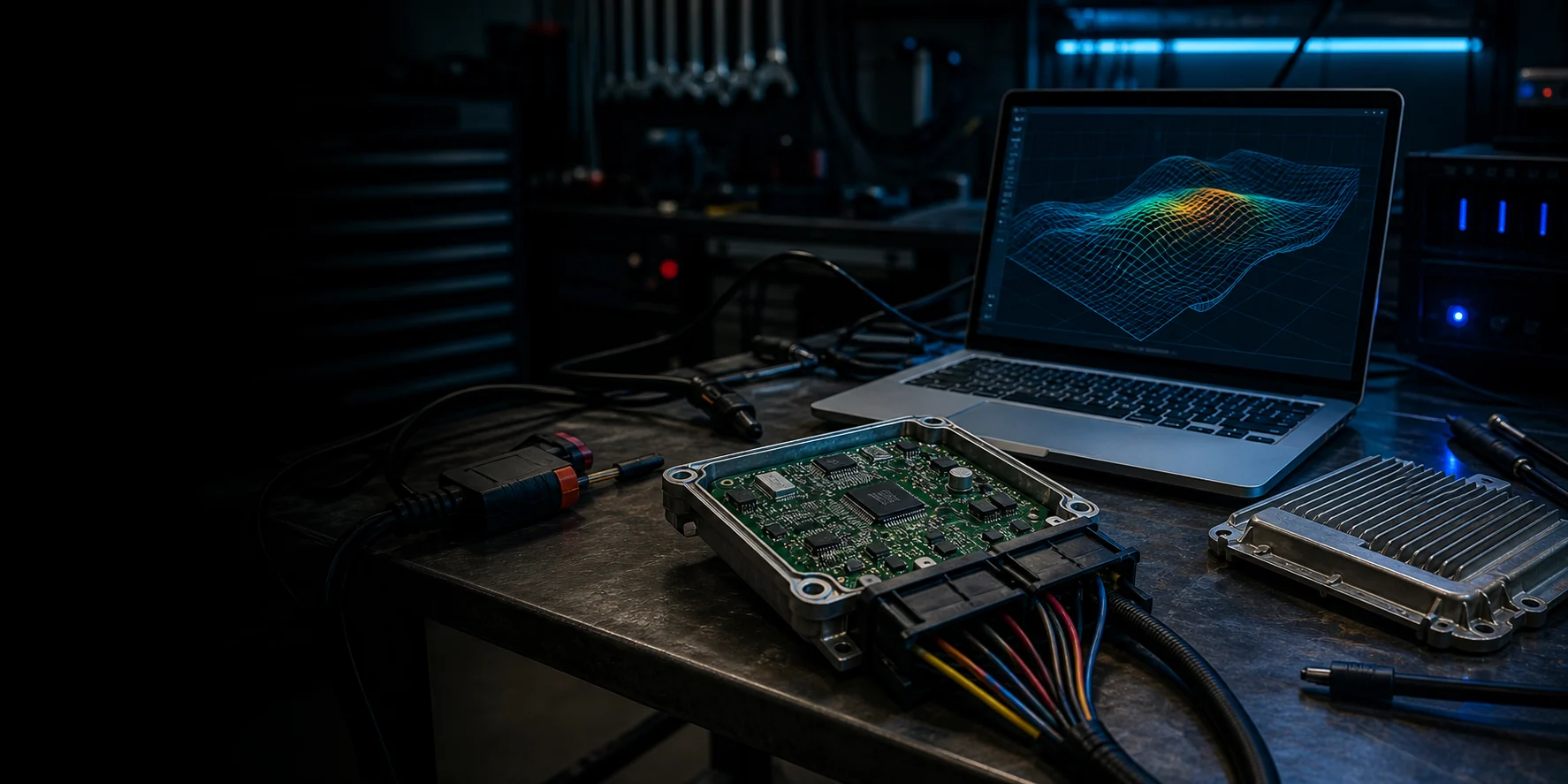
Professional ECU/TCU file service
Upload ORI files, request calibrated MOD files, track every order and manage revisions from one protected B2B portal.
Built for real workshop jobs: Stage 1 and Stage 2 calibration, DTC handling, EGR/DPF/SCR/AdBlue requests for motorsport, off-road or export use where applicable, TCU calibration and authorised repair support.
Individual ECU/TCU file service
From Stage 1 calibration to diagnostic file work and prepared hardware setups, each request is handled according to the ECU, engine condition, customer notes and intended use.
For stock or near-stock vehicles where the ORI file, vehicle condition and requested use case support a conservative calibrated MOD file.
For vehicles with supporting hardware. Add setup details, logs and customer notes so the file can be reviewed before confirmation.
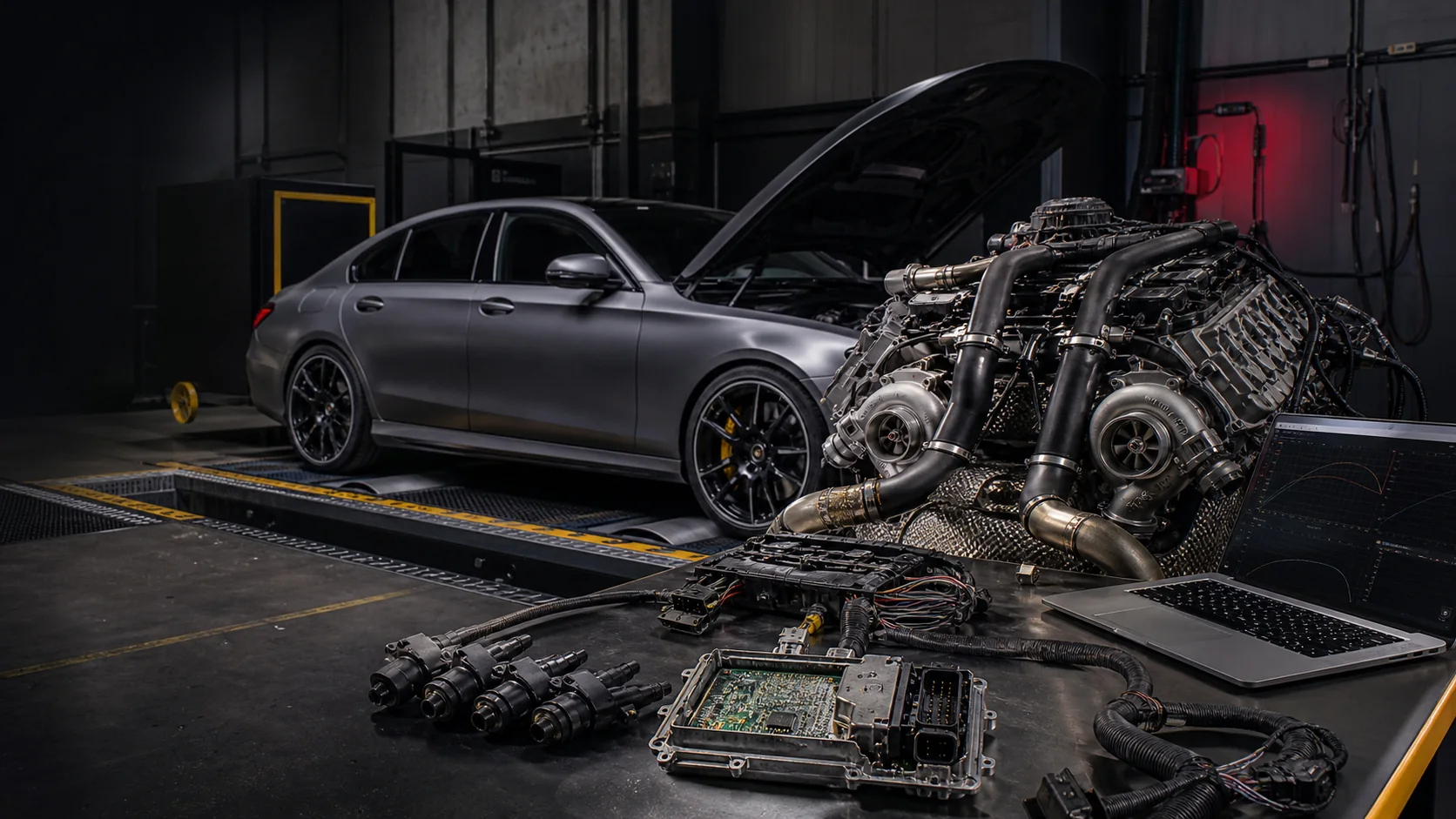
Advanced file work for hybrid turbos, injector upgrades, rail or boost changes and other workshop-led project requirements.
Transmission file requests for supported DSG, ZF and other units, depending on gearbox type, read method and available file data.
Specific DTC work when the diagnostic context is clear. Fault codes are reviewed against the vehicle issue, not treated as blind deletes.
Emissions-related file requests are reviewed case by case for motorsport, off-road or export use where applicable.
Speed limiter requests for supported ECUs and intended use cases after file and vehicle details are checked.
Immobiliser and ECU replacement file support for legitimate workshop recovery and diagnostic repair scenarios.
Not sure which service fits? Send the ORI file data, vehicle details and fault context for technical review.
Supported categories
The portal is built for workshops working with more than passenger cars. Catalogue data and order fields support diesel, petrol and alternative-fuel applications across light, commercial and specialist platforms.
Workflow
Register your workshop or business account.
We review new accounts before order submission is enabled.
Choose a credit package or custom top-up. Credits are added after manual approval.
Search the vehicle/ECU catalogue or enter details manually, select services and upload the ORI file.
Staff process the request with vehicle data, file notes, messages and status tracking inside the portal.
Download the MOD file from the protected order page. If needed, request a revision from the same order.
Security and trust
Every job stays inside the portal: ORI files, MOD files, revisions, messages, wallet movements and activity logs. Customers and tuners only see what they are allowed to see.
Start with protected access
Create a workshop account, get approved, add credits and start submitting ORI files with the details needed for proper file review.